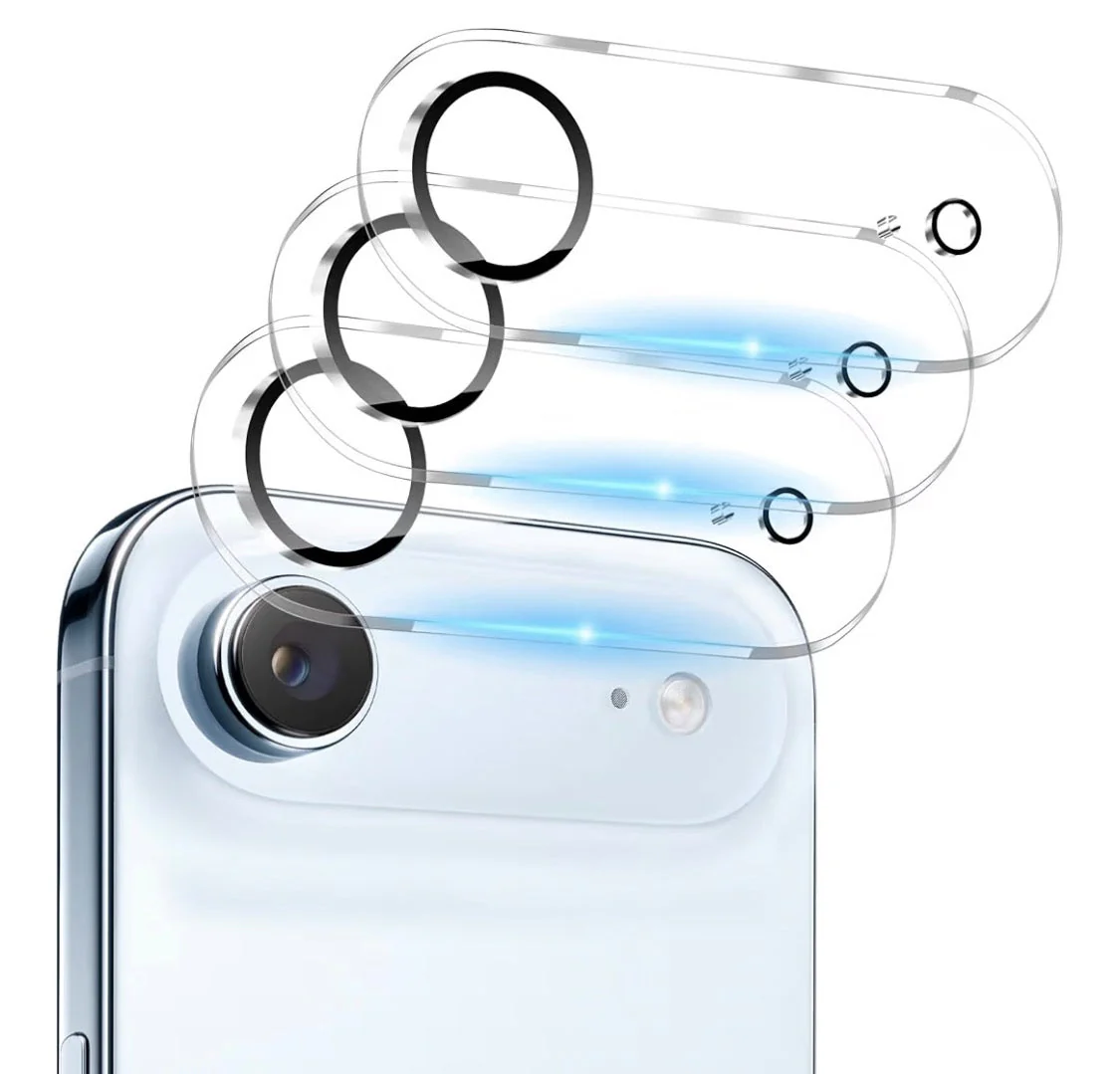
3-Pack Camera Lens Protector for iPhone Air — 9H Tempered Glass, Anti-Scratch & Crystal Clear
\nThe iPhone Air camera is the most exposed part of the phone. Keep every lens pristine — without touching image quality.
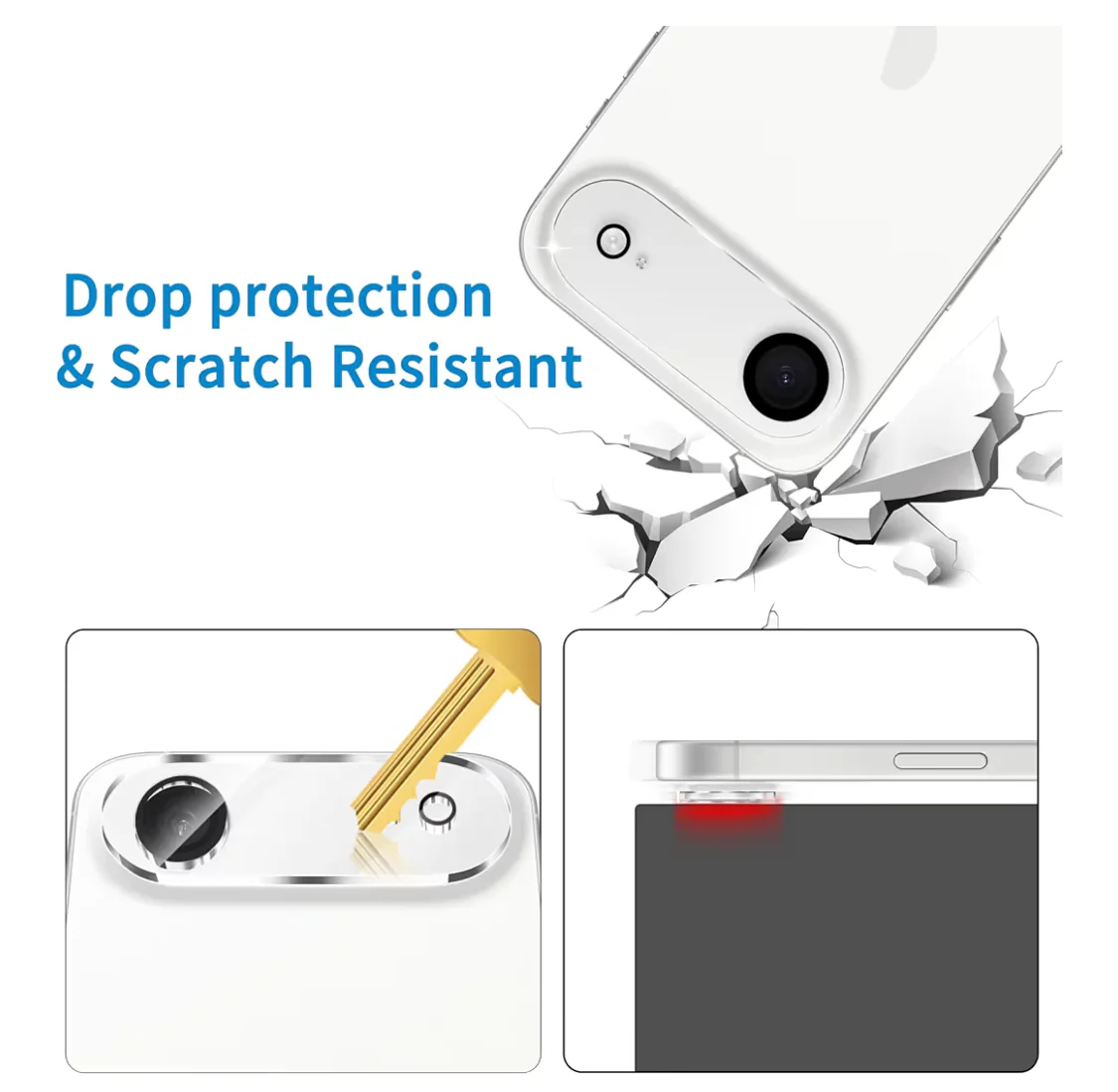
\n\n \n \n\n \nThe iPhone Air's ultra-thin aluminium frame puts the camera module closer to flat surfaces than any previous iPhone — meaning every time you set it face-up on a table, the lenses are a fraction of a millimetre from direct contact. This 3-pack of 9H tempered glass lens protectors creates an independently hardened barrier over each lens, absorbing scratches, sand, and impact that would otherwise permanently haze the sapphire-coated camera glass underneath.
\nEach ring is laser-cut to match the exact diameter and placement of the iPhone Air's dual-lens camera module. The adhesive layer bonds directly to the metal camera surround — not over the lens itself — leaving a micron-thin air gap that has zero effect on autofocus, optical image stabilisation, or the phone's computational photography processing. At 0.33mm thin with 2.5D polished edges, the rings sit flush with the camera bump and feel like part of the phone's original design.
\nThree protectors in the pack covers the life of the phone. Apply one fresh from the box, keep two in reserve for the day one gets a deep scratch or a corner chip — without needing to reorder urgently.
\nWhat sets it apart
\n9H Hardness Rating
\nHarder than a steel knife blade — shrugs off keys, gravel, and pocket debris that would scratch bare glass
\nZero Optical Interference
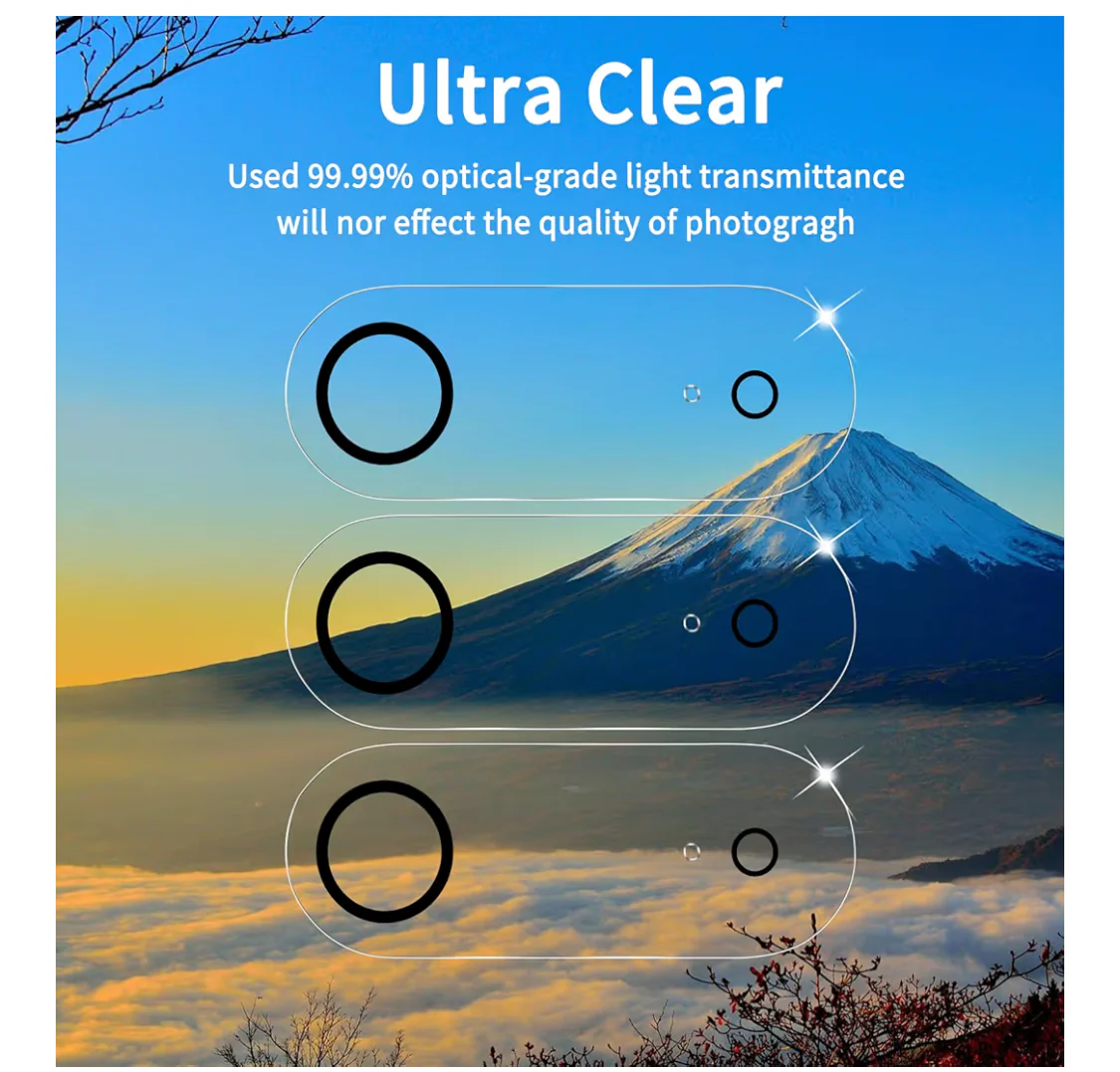
\n99% light transmission with no color shift — autofocus, OIS, and Night mode all perform as designed
\nLaser-Cut Precision Fit
\nDie-cut specifically for iPhone Air's dual-lens layout — each ring aligns perfectly with no overhang or gap
\nAnti-Fingerprint Coating
\nOleophobic outer layer repels skin oils — wipes clean with a dry cloth, stays smear-free during use
\n2.5D Polished Edges
\nRounded and chamfered rim sits flush against the camera bump — no sharp edges, no snagging on pockets
\n3-Pack Longevity
\nEnough to cover the full lifespan of the phone — replace after a hard impact without a second order
\nWhat's in the box
\n\n\n \n
Product specifications
\nWhy iPhone Air camera lenses need protection
\nApple uses sapphire crystal over the iPhone Air's camera lenses — the same material used in luxury watch crystals. Sapphire is harder than most everyday objects, but it is not scratch-proof against silicon carbide (found in concrete dust and sand) or hardened steel (found in tools and some pocket contents). A single grain of sand trapped between the phone and a surface can create a fine haze across the lens that permanently degrades image sharpness — especially visible in backlit shots and video. A 9H tempered glass ring takes that damage instead, and can be replaced for a fraction of the cost of a camera module repair.
\n\nDoes a lens protector affect photo and video quality?
\nThis is the most important question to answer honestly. A poorly made lens protector — one with impure glass, low light transmission, or misaligned placement over the optical path — will degrade image quality in measurable ways: reduced sharpness, color cast, lens flare on highlights, and interference with autofocus hunting speed. This protector avoids those issues through three design decisions. First, the adhesive bonds to the metal camera surround ring, not the lens glass — the optical path through the protector is air, not adhesive. Second, the glass is optical-grade with 99% light transmission and no tint. Third, the rings are laser-cut to the precise inner diameter of the camera surround, so there is no glass over the actual lens aperture at all.
\n\n9H hardness — what it means in practice
\nHardness ratings for screen and lens protectors use a pencil hardness scale. 9H is the highest rating on this scale, meaning a 9H-rated surface resists being scratched by any pencil hardness grade from 1 through 9H. In practical terms, 9H glass resists scratches from keys (typically 5–6H), coins (around 4H), and most pocket contents. It will not resist diamond-tipped tools or silicon carbide abrasives under sustained pressure — but for daily carry and incidental contact, 9H is the ceiling of what a glass coating can provide.
\n\nCompatibility with iPhone Air cases
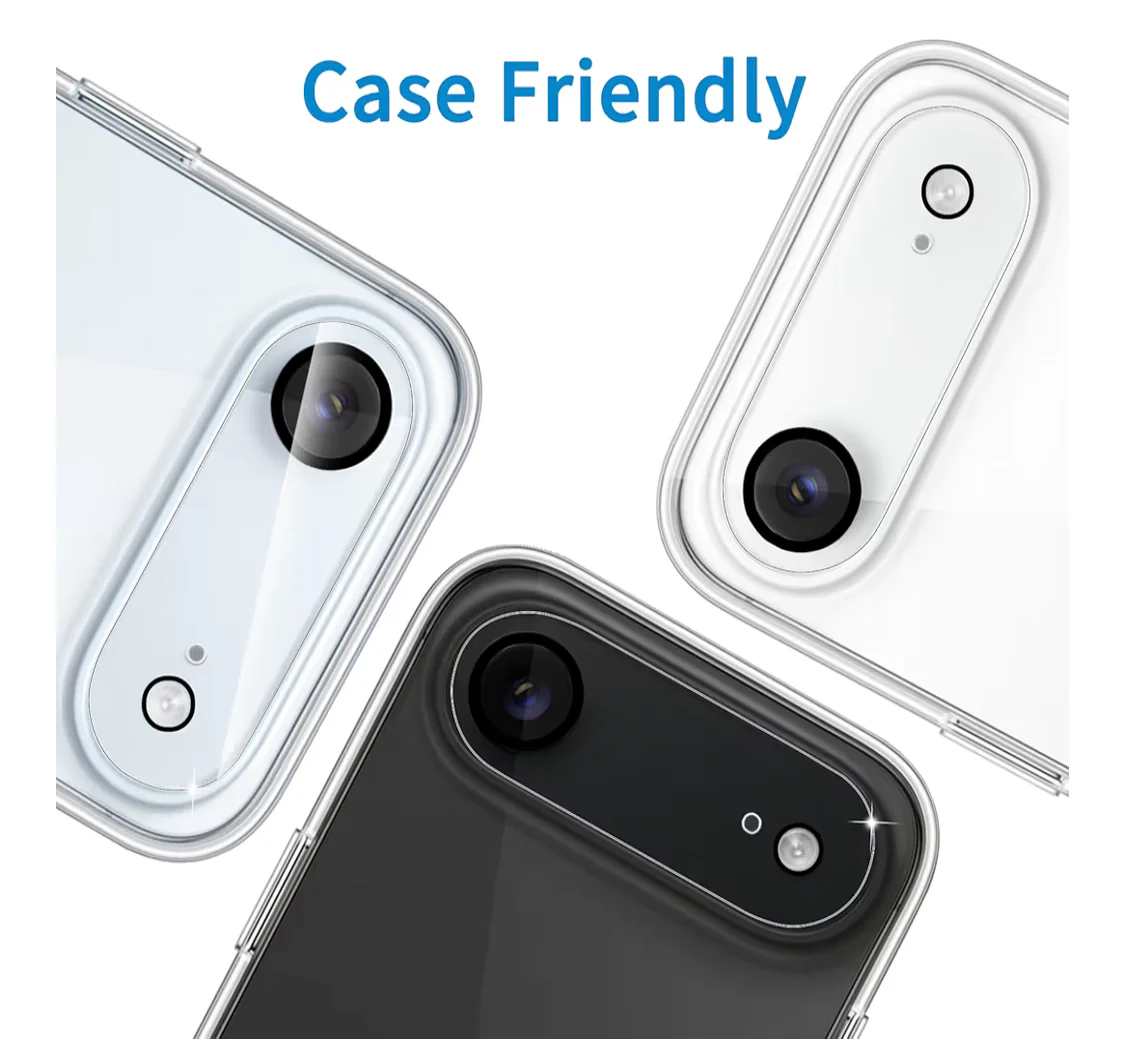
\nThe protector rings add 0.33mm to the profile of the camera module. Most iPhone Air cases are designed with a camera cutout that has 0.5–1mm of clearance around the lens module — enough to accommodate the protector rings without any fit issues. Very tight-fitting cases with an exact-dimension camera cutout may press against the ring edges. If you plan to use a case, check that its camera opening provides at least 0.5mm clearance around the module perimeter.
\n\nHow to install for a perfect bond
\n- \n
- Power off the iPhone Air before installation to prevent camera activation mid-process \n
- Wipe the camera module surface with the alcohol prep wipe and allow 60 seconds to fully evaporate \n
- Use the dust removal sticker to lift any remaining lint or particles from inside the camera surround ring \n
- Hold the protector ring by its edges and position it over the camera module using the alignment card as a guide \n
- Press down firmly around the rim of the ring for 15–20 seconds to fully seat the adhesive bond \n
- Do not use the camera for 30 minutes after installation to allow the silicone adhesive to fully cure \n
Frequently asked questions
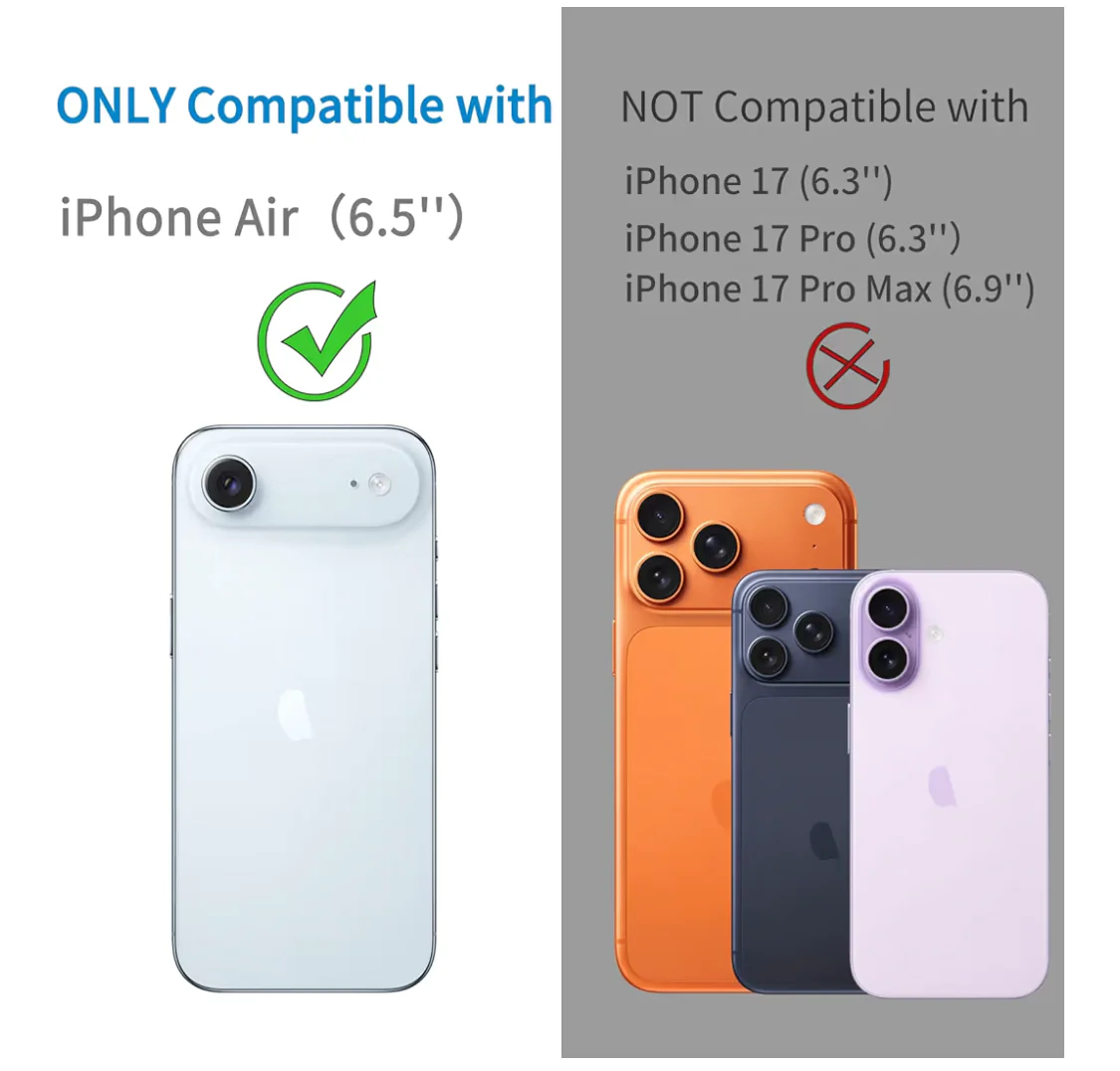
\nWill this work on iPhone 16 or 16 Pro? No. The camera module layout, lens diameter, and surround dimensions of the iPhone Air are specific to that model. Protectors for iPhone 16 or 16 Pro will not align correctly with the iPhone Air's camera arrangement.
\nDoes it cover the LiDAR scanner or flash? No. The rings are cut only to the diameter of each individual camera lens. The flash aperture, LiDAR scanner, and microphone are all outside the coverage area and remain fully uncovered.
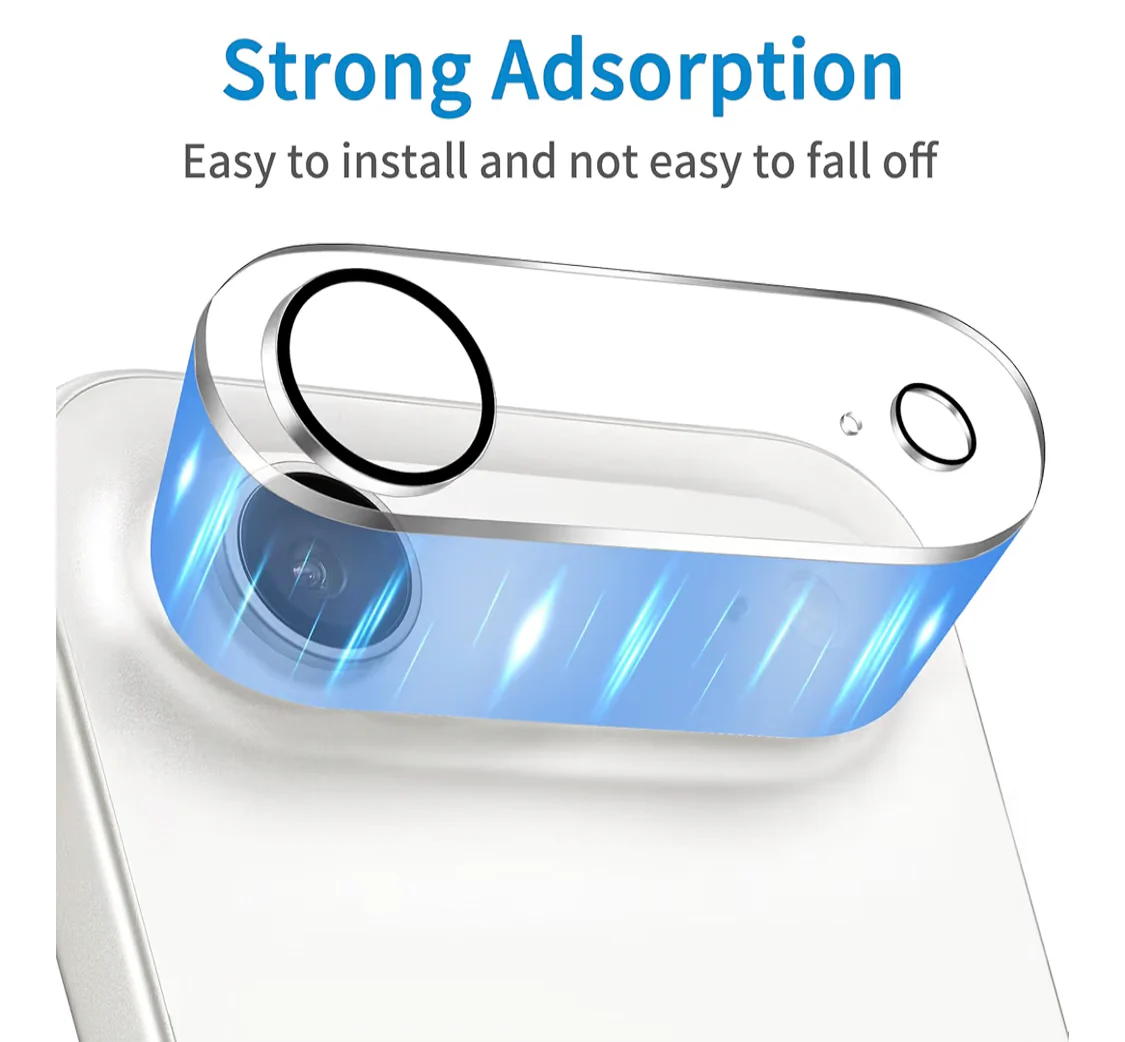
\nCan it be removed without damaging the camera? Yes. The silicone adhesive bonds to the metal camera surround, not the lens glass. To remove, apply gentle heat with a hairdryer for 10 seconds to soften the adhesive, then slide a thin spudger under the ring edge. No residue remains on the lens glass.
\nDoes it affect Night mode or Portrait mode? No. Night mode, Portrait, and Cinematic mode are computational photography features that operate on the sensor data — the protector has no effect on sensor performance. The only factor would be optical clarity, which is maintained at 99% with these rings.
\n\n